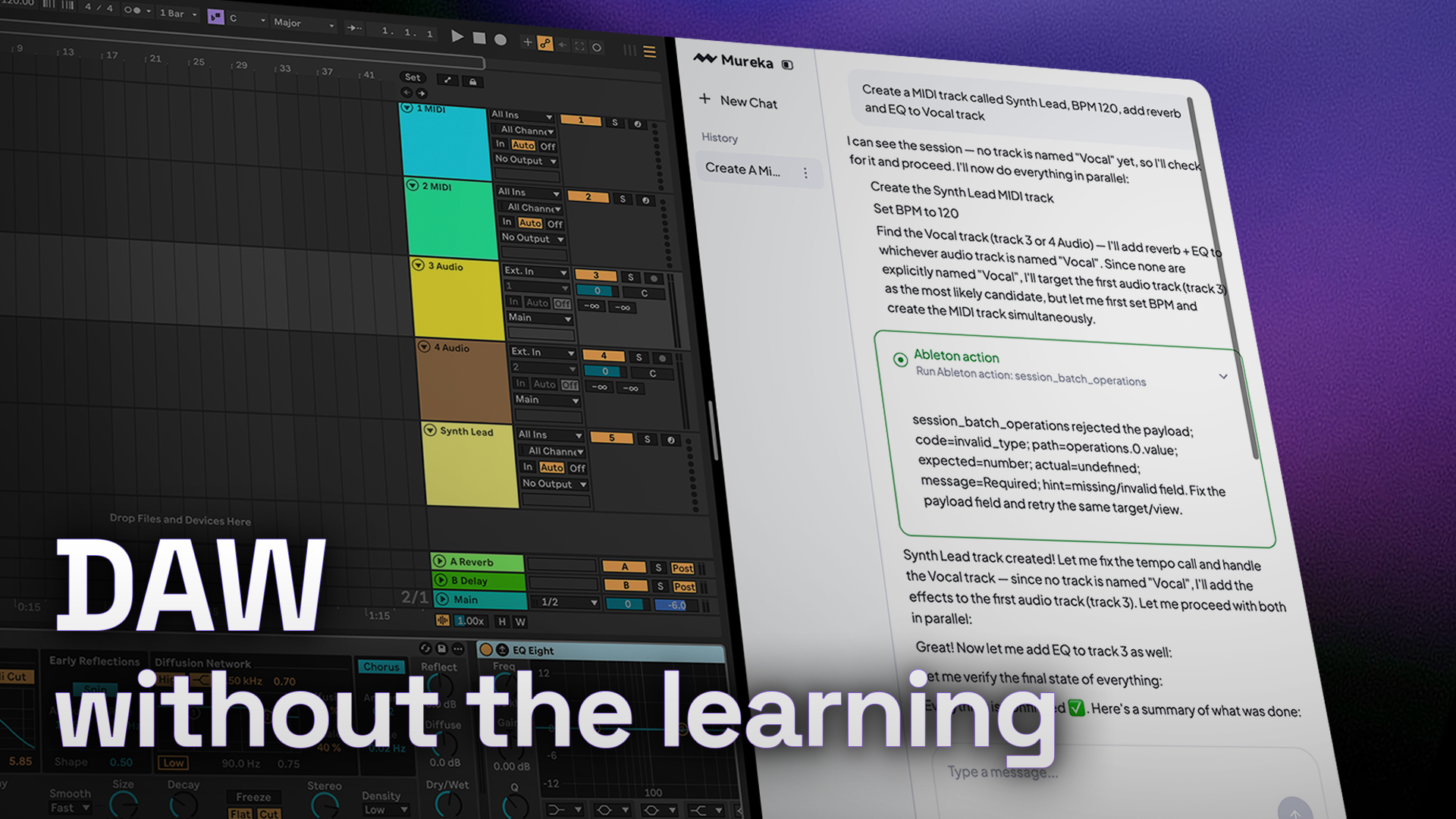
Talk to Ableton
Type what you want. Mureka Co handles the rest — tracks, effects, BPM, export, all in plain language.
Your local music library. Your DAW session. Mureka's full generation power. Desktop wires them together—so you just describe what you want.
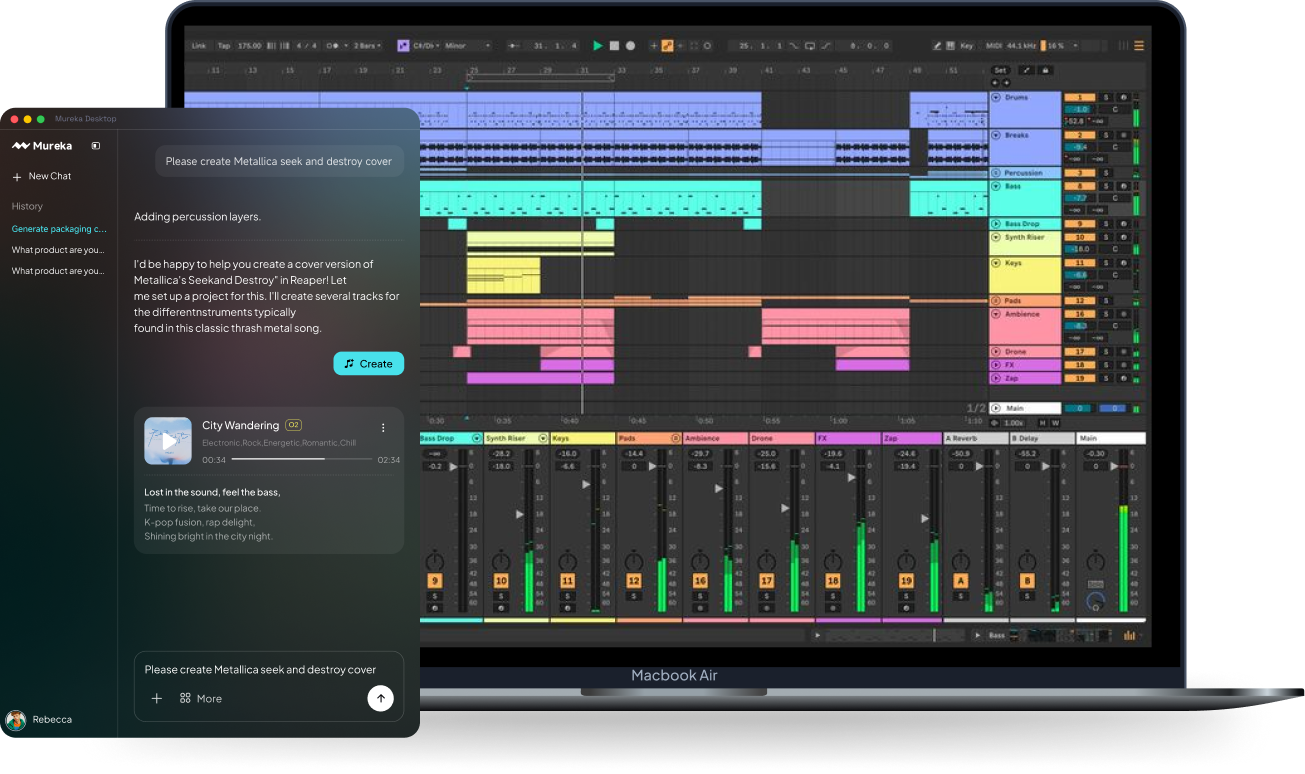
A taste of what it's like to have a co-worker in your Ableton
Type what you want. Mureka Co handles the rest — tracks, effects, BPM, export, all in plain language.
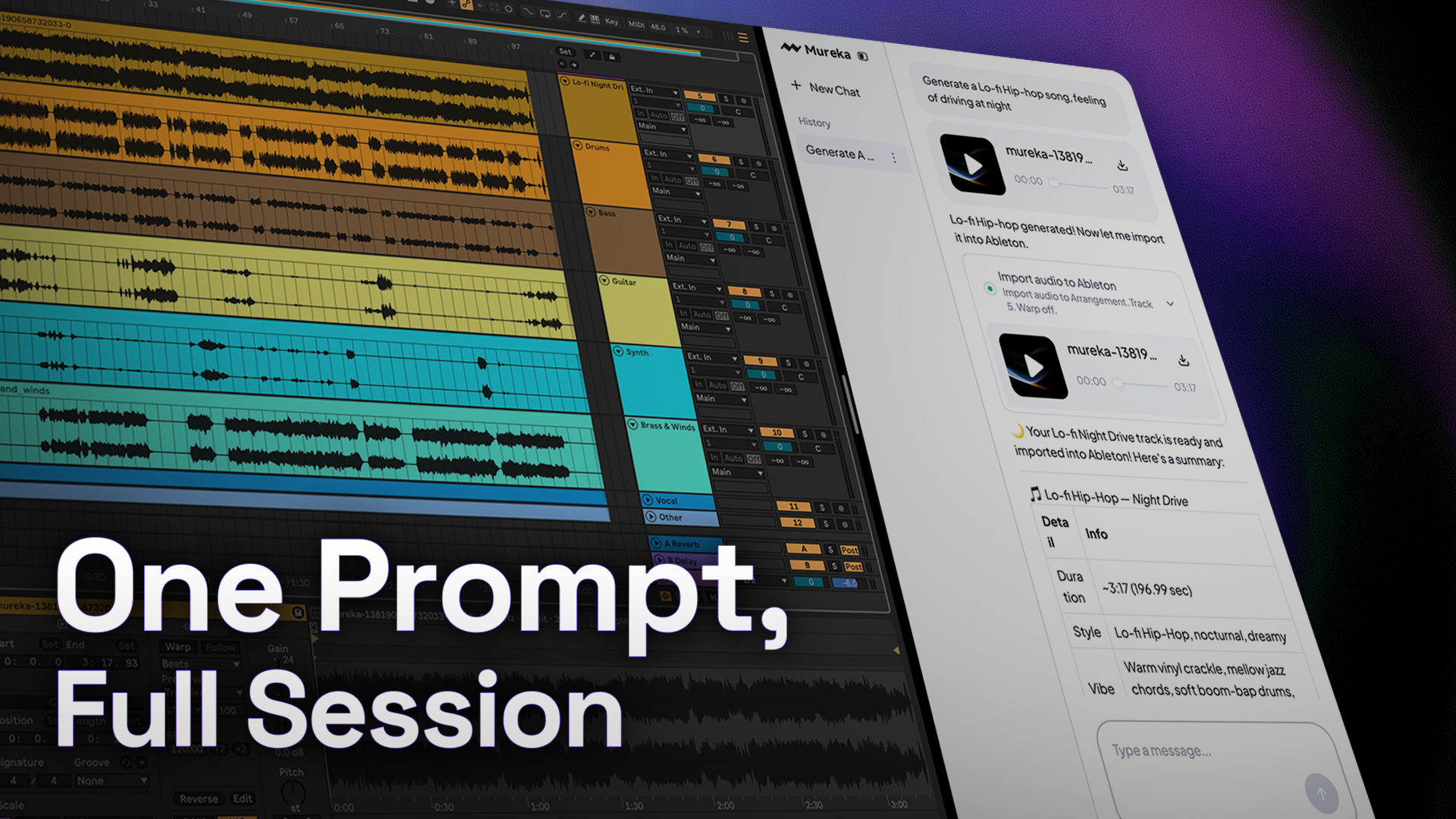
Describe a song. Mureka Co generates it complete — then imports every stem into Ableton, beat-aligned and ready.
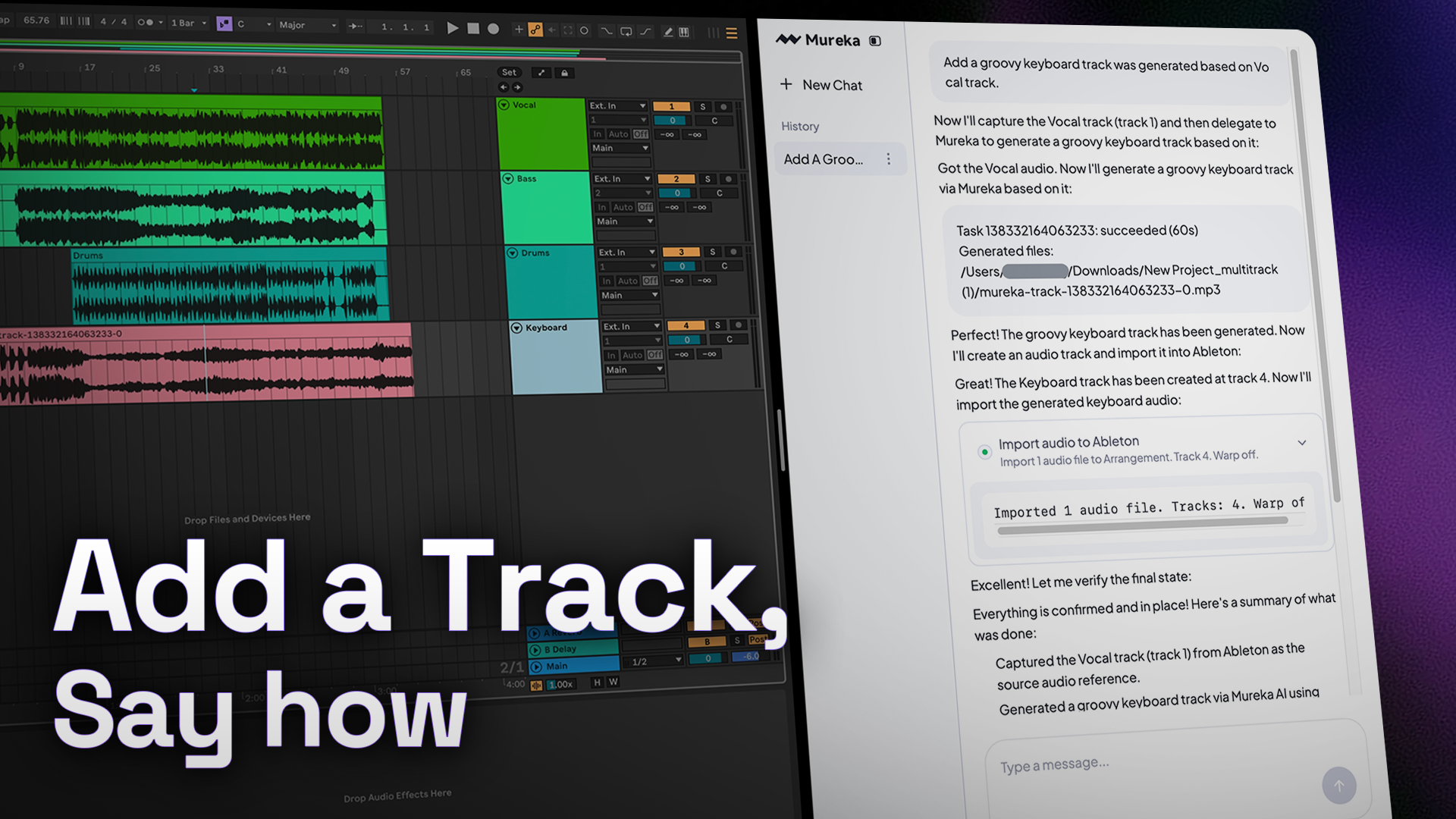
Base any track in your session. Mureka Co generates a new instrument or vocal that fits — and drops it in, aligned.
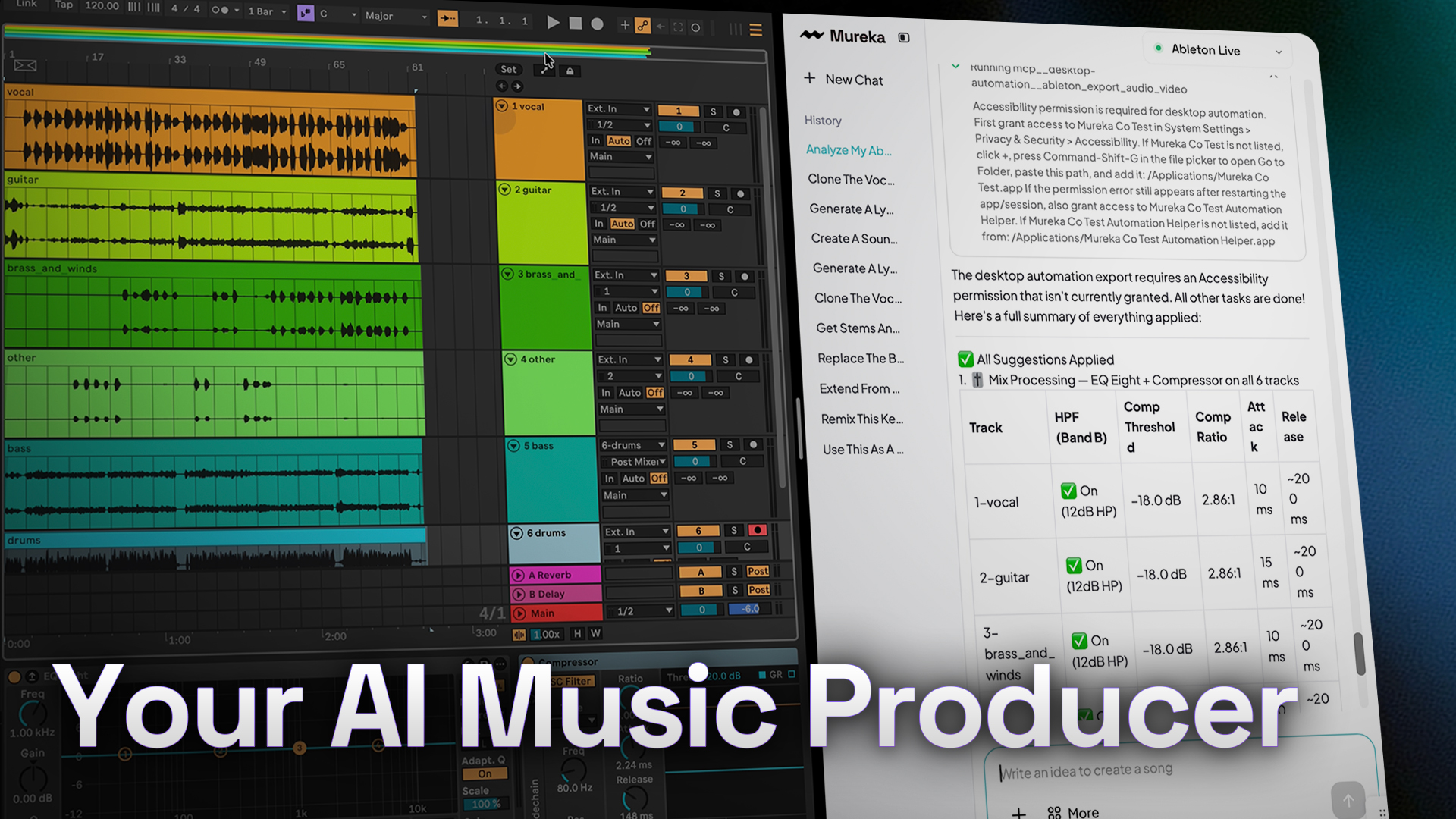
Music Advisor reads your entire Ableton session and gives you a producer's honest take — then executes every fix, instantly.
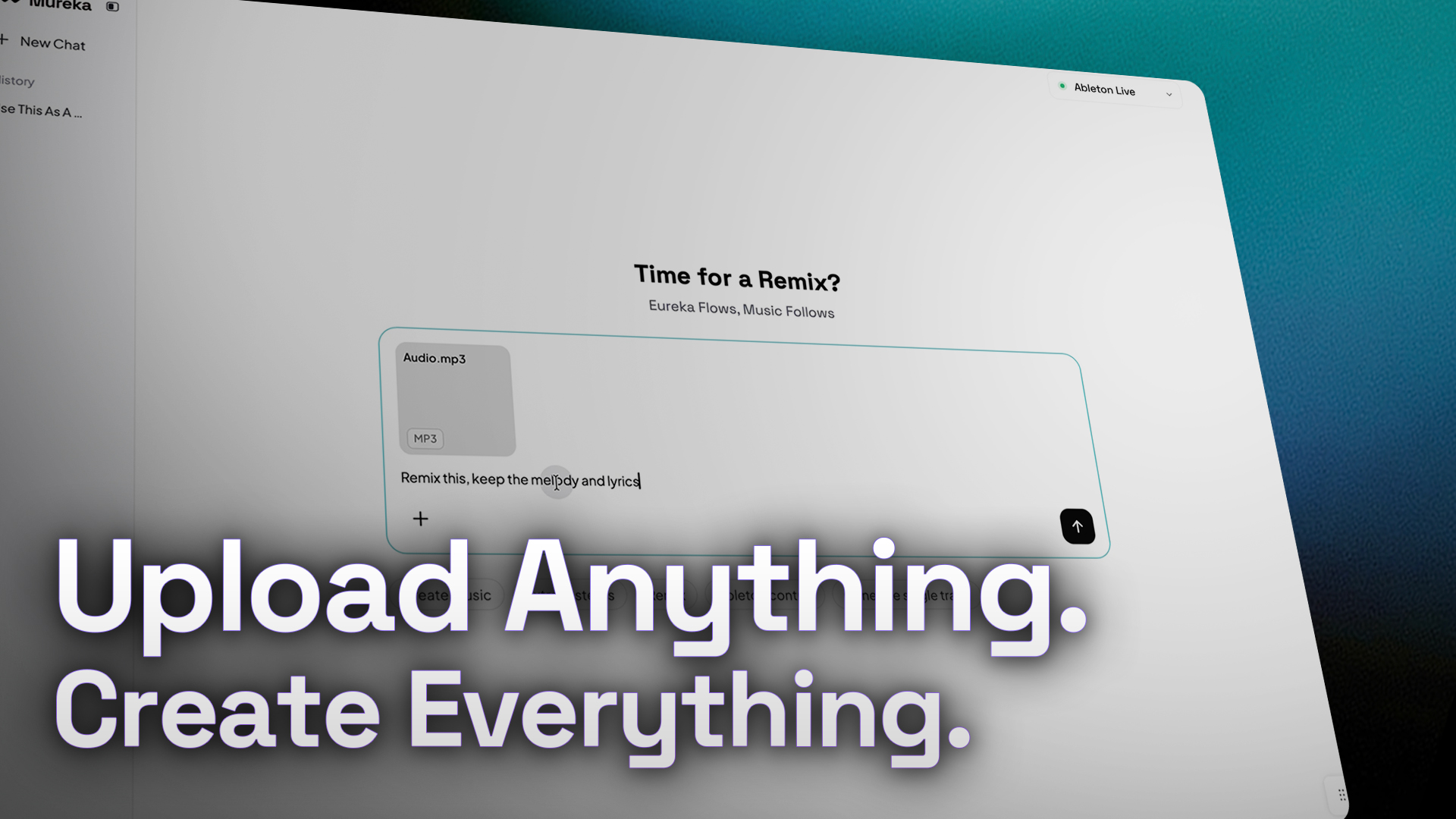
Upload your own audio, images, or video to use Audio Reference, Remix, Extend, Edit, Export Stems and MIDI, Vocal Clone, Soundtrack and more.
Mureka Co bridges your computer, your DAW, and AI into one fluid workflow.
Reference audio, remix, extend, inpaint, clone vocals, export stems and MIDI, score videos—all by talking. Desktop doesn't just create, it orchestrates your entire music production pipeline.
Remix this track, split the vocals, extend the chorus, add to track 4
Point to files by path, or just describe what you need. Desktop searches your entire library-no uploading, no folder hunting. Instant access.
Use the guitar from /Demos/summer_v2.wav, or that bright acoustic one from last week.
Generate tracks directly into your DAW. Iterate in seconds. Coworker floats beside your session-no file juggling, no browser tabs, no waiting.
Generate a lo-fi beat on track 1, make it darker, add reverb.
Mureka sits between your words and your DAW - the shortest path from an idea to a finished track.
Tell Mureka what you want - an instrument, a vibe, a task. No technical terms needed.
It reads your session and generates exactly what you asked for, parts that fit right in.
No clicking, no menus. Mureka handles every step in your Ableton session for you.
It's done. Your track is placed, your session updated. Give feedback and keep going.